Ivan Danilov
Middle UX/UI Designer
Back Office Platform Design for Global Admissions
An internal platform for Global Admissions employees that helps manage leads, applicants, applications, payments, universities, articles, and user access.
Back Office UX
Data-Heavy Interfaces
Design System
UX Optimization

Problems
01
Complex Student Workflow
The admission process includes many connected stages: leads, applicants, student applications, university applications, payments, messages, and documents. Employees needed to quickly understand where each student is in the process and what action should be taken next.
02
Large Amount of Data in the Interface
The platform had to display a lot of information: student details, application statuses, universities, programs, deadlines, payments, documents, articles, and user permissions. It was important to make the interface readable, easy to search, and not visually overloaded.
03
Need for Clear Status Visibility
The system includes many different statuses, such as qualified, unqualified, paid, invoiced, withdrawn, enrolled, rejected, draft, published, and others. The interface needed a clear visual system so employees could quickly understand active processes, successful statuses, issues, and tasks that require attention.
04
Managing Internal Users and Access
Global Admissions employees have different roles and access levels. Because of this, the platform needed a separate section for managing accounts, groups, permissions, user activity, and admin settings.
Goal
Create a clear and scalable Back Office platform that helps Global Admissions employees manage the full student admission process: from leads and applicants to university applications, payments, content, and internal access management.
Solution
I designed a multi-section Back Office system with a dashboard, data tables, detailed entity pages, filters, sorting, statuses, and management tools for leads, applicants, applications, payments, universities, articles, and internal users.
Applications & Applicants
Sections for working with potential students: from the first contact to converting them into applicants. Each section includes expandable contact details, interested programs, action history, chat with a manager, and payment information.


University Applications & Student Applications
These sections show application statuses, deadlines, payments, required actions, confirmations, rejections, and successful enrollments in one workspace, with Student Applications on the left, University Applications on the right, and the current status in the center.


Payments
Employees can see the payment amount, status, method, invoice date, linked application, and evidence file, which helps confirm international payments faster and avoid delays in the university application process.


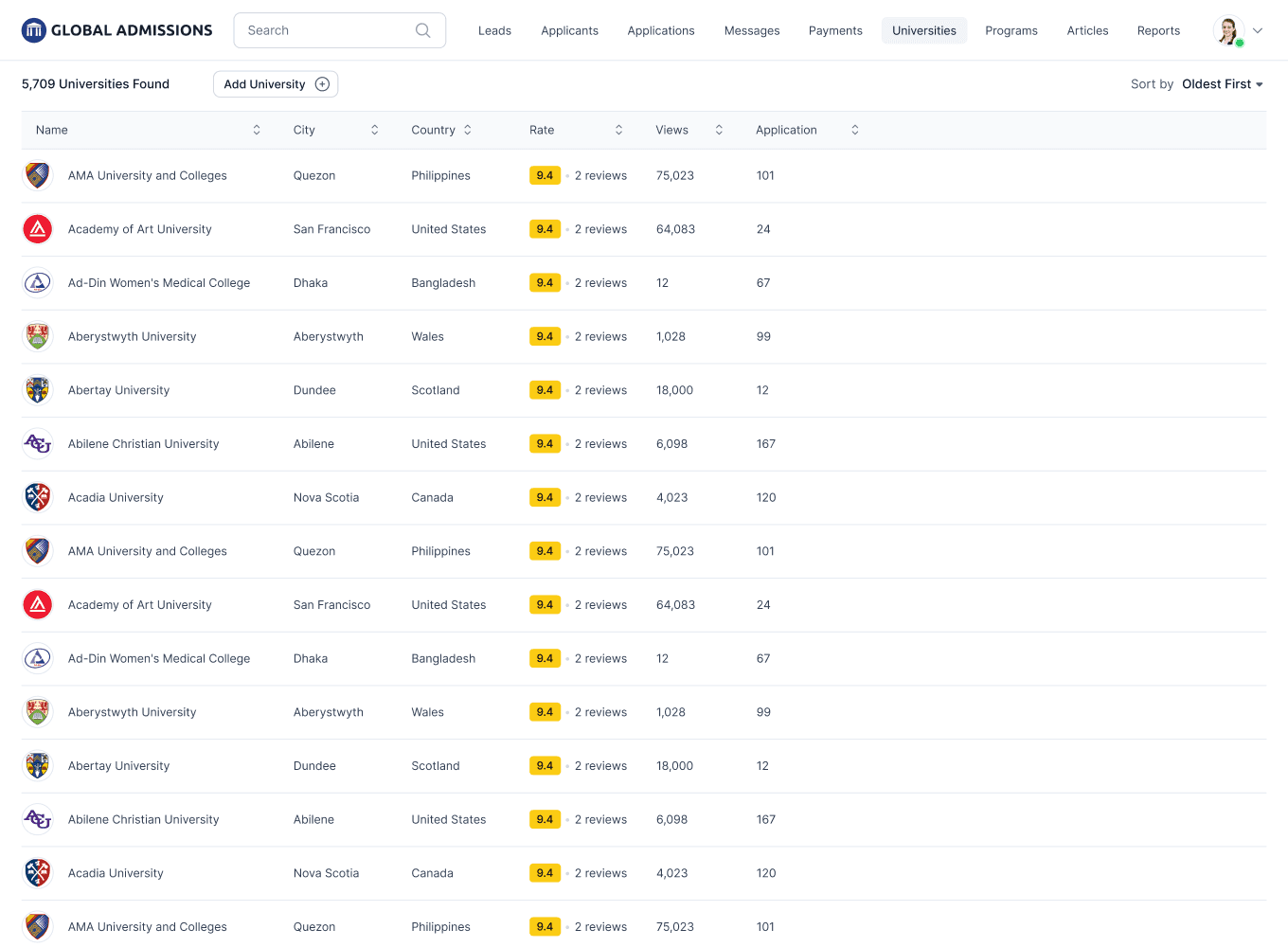
Universities
Managers can add, delete, or edit university information, check the number of applications for each university, find related students on the detailed university page, and communicate with university representatives.

Articles
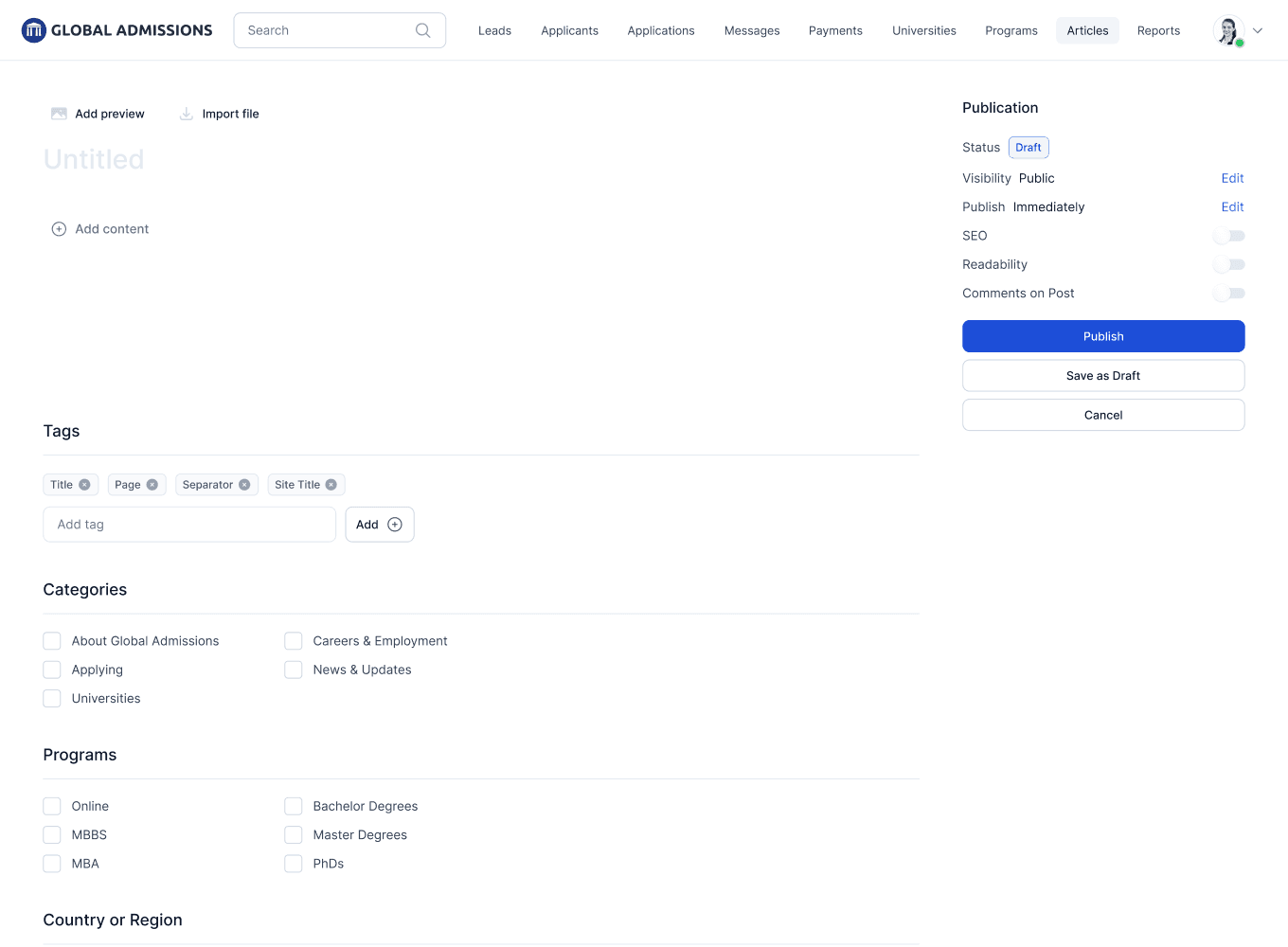
This is a CMS section for website articles. Employees can create articles, add categories, tags, authors, SEO settings, manage publication status, and track content views.

Users
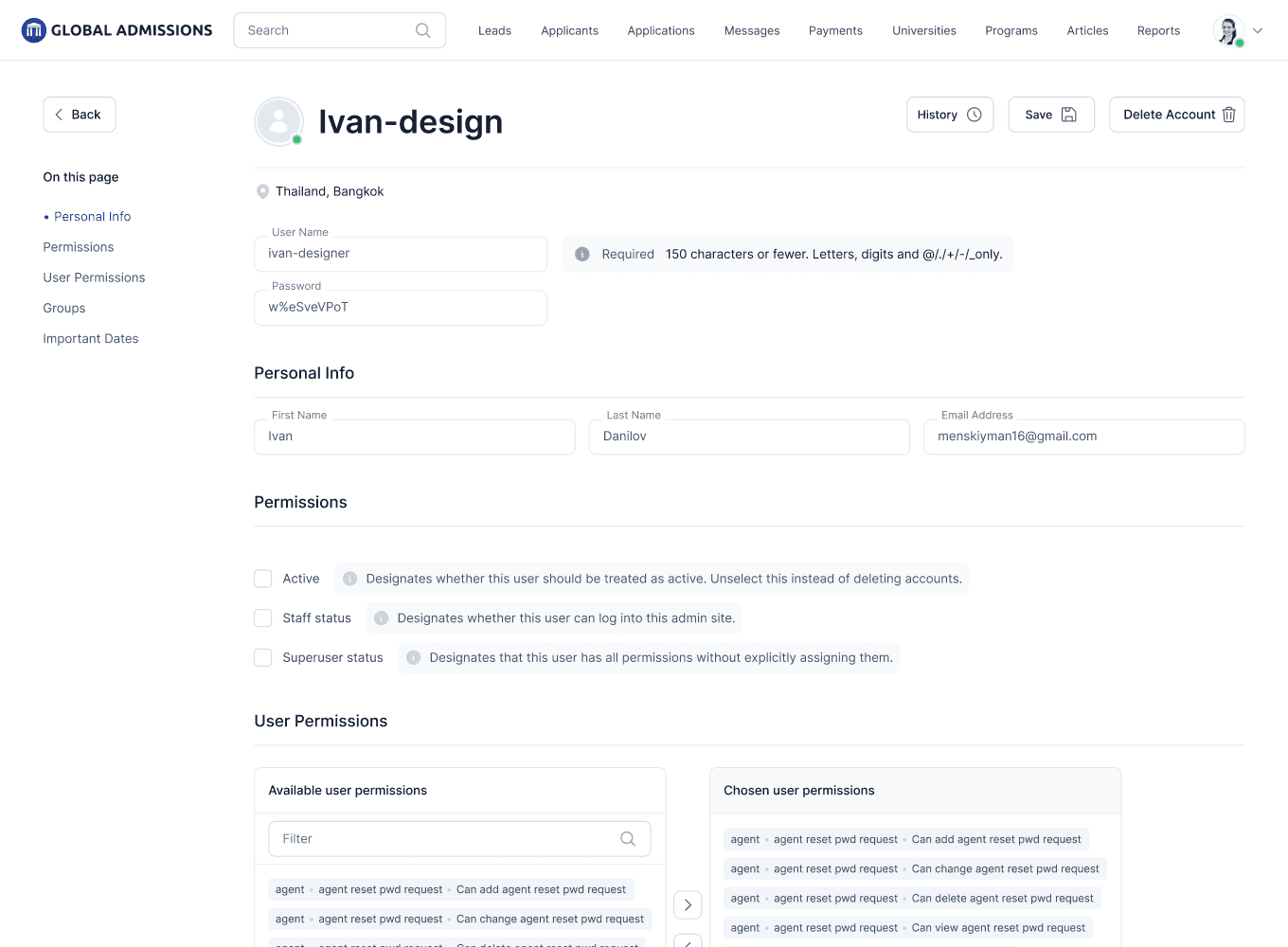
Administrators can create users, edit personal details, assign staff status, superuser status, groups, permissions, and control account activity.

Results
The result is a scalable internal system that helps the Global Admissions team manage the full student admission process - from the first contact to applications, payments, content, and administration.
7 Core Sections
Leads, applicants, applications, payments, universities, articles, and users are combined into one Back Office system.
2 Application Types
Student Applications and University Applications are separated to make it easier for employees to track student actions and university-side processing.
1000+ Records
The table interface is designed to work with a large amount of data, including sorting, filtering, and quick access to detailed records.
End-to-End Workflow
The system supports the full workflow: from lead qualification to application submission, payment verification, and internal user management.
Another case from this project

Redesigning the marketing website
Improving structure, clarity, and visual consistency to create a better user experience and increase conversions.
Website Redesign
UI Design
UX Structure
Back Office Platform Design for Global Admissions
An internal platform for Global Admissions employees that helps manage leads, applicants, applications, payments, universities, articles, and user access.
Back Office UX
Data-Heavy Interfaces
Design System